
Measurement data per eye, from the device
From visual acuity to biometry: measurement data has a fixed place in the record, with right eye, left eye and both eyes kept apart.
A fixed layout helps the team assess measurements per eye.
- Visual acuityAcuity with and without correction, for distance and at various reading distances.
- Eye pressureIOP in mmHg. NCT, Goldmann or iCare. High values flagged.
- KeratometryK1, K2 and axis, named after the device. Autorefractor, MS-39, Pentacam, IOLMaster.
- BiometryAxial length, anterior chamber depth, white-to-white, lens calculation for theatre.
Values that stand out are shown, not hidden
An eye pressure above the set limit, a low visual acuity, a difference between the pupils: the section flags the value and the clinician judges what it means. Connected devices deliver over DICOM or HL7. Values that the AI assistant reads from a device report are checked by the ophthalmic technician before they enter the record.
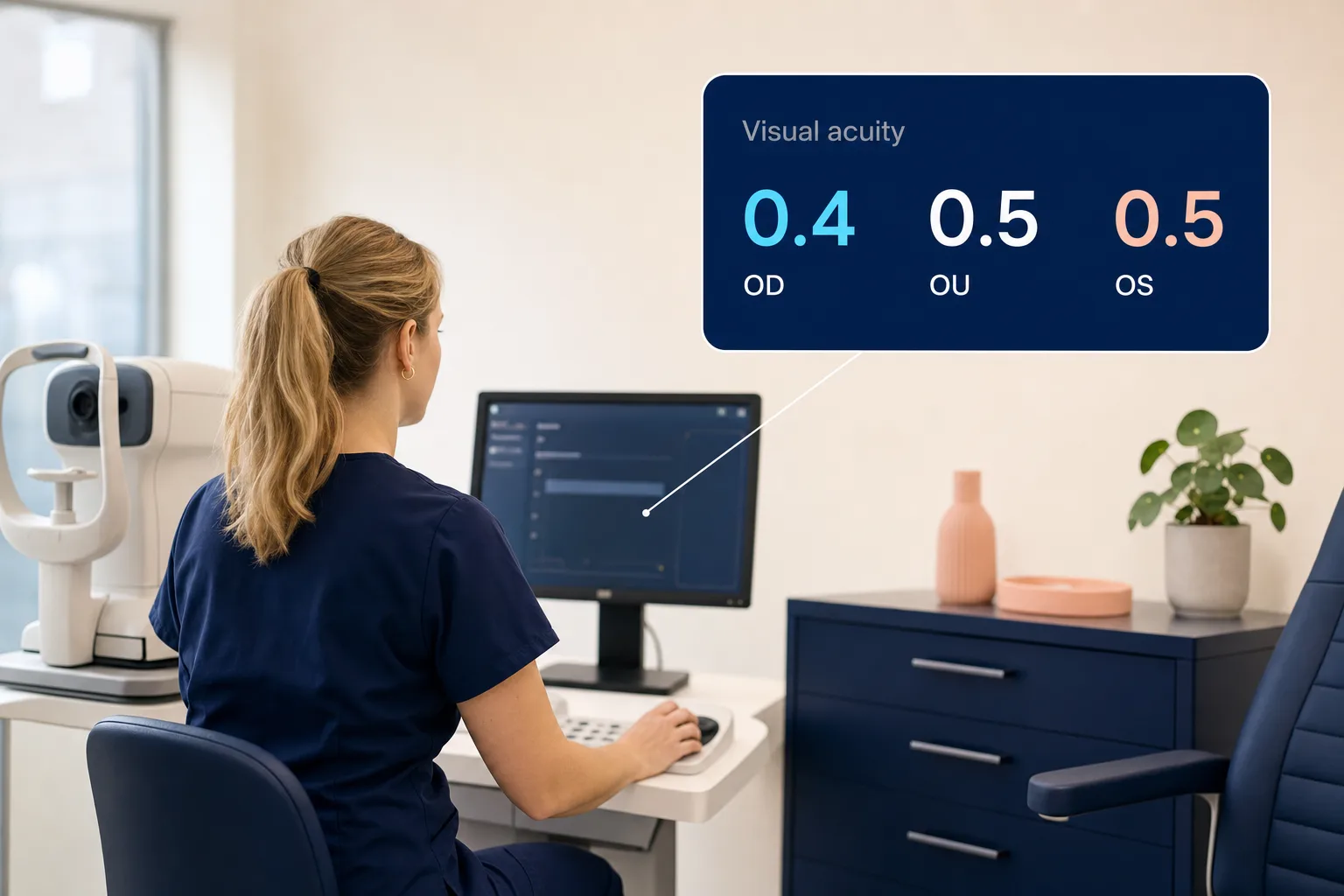
visual acuity OD/OS saved
DICOM
You measure once
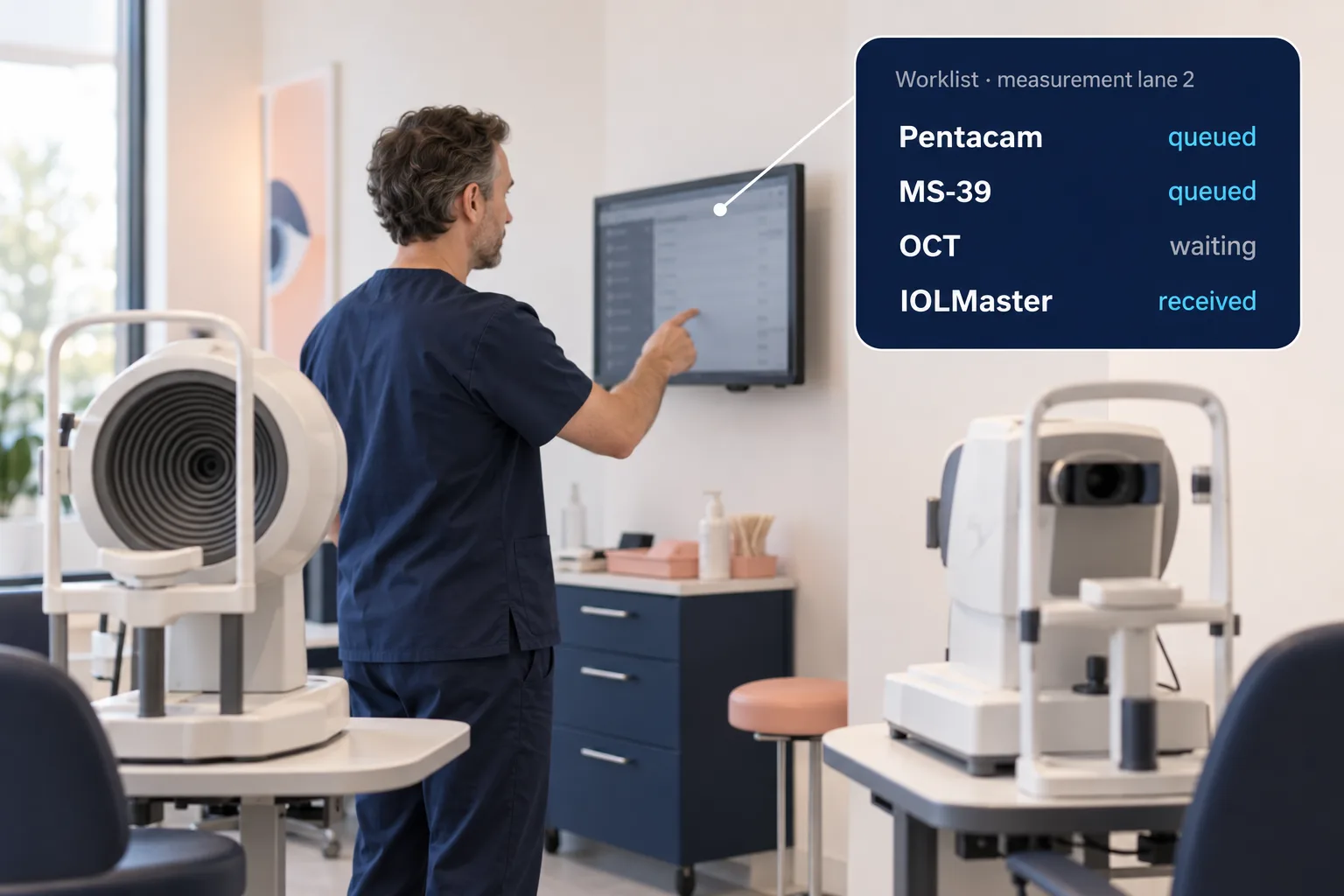
The ophthalmic technician picks the patient from the digital worklist on the device. Images and values then arrive in the record, on the right eye and with the device noted alongside. What a device delivers exactly differs per make and model. We assess that beforehand.
No retyping, no loose notes.
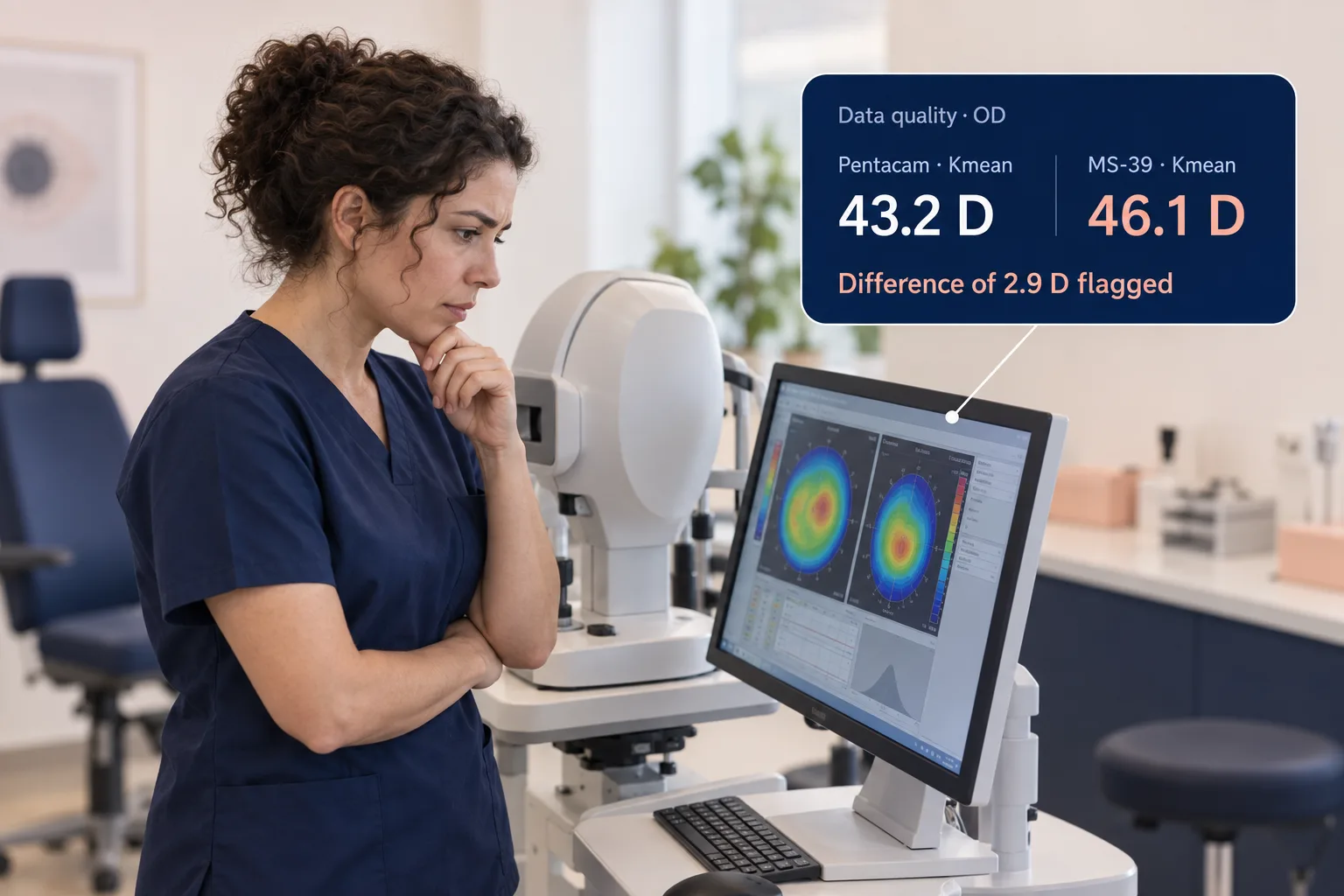
Data quality
Measurements from two devices side by side
The record shows which eye and which patient the measurements belong to. By putting values from different devices side by side, the team can look into differences before the data is used for a treatment decision.
Differences can be assessed during the work-up.
How do your measurements reach the record?
Bring your device list to the demo. Then we can see straight away what connects and where an adapter is needed.