
A schedule that fits the staffing
The roster first, then the appointments. The front desk books the slots the clinic is actually set up for.
Capacity
The planner builds the week, the front desk books into it
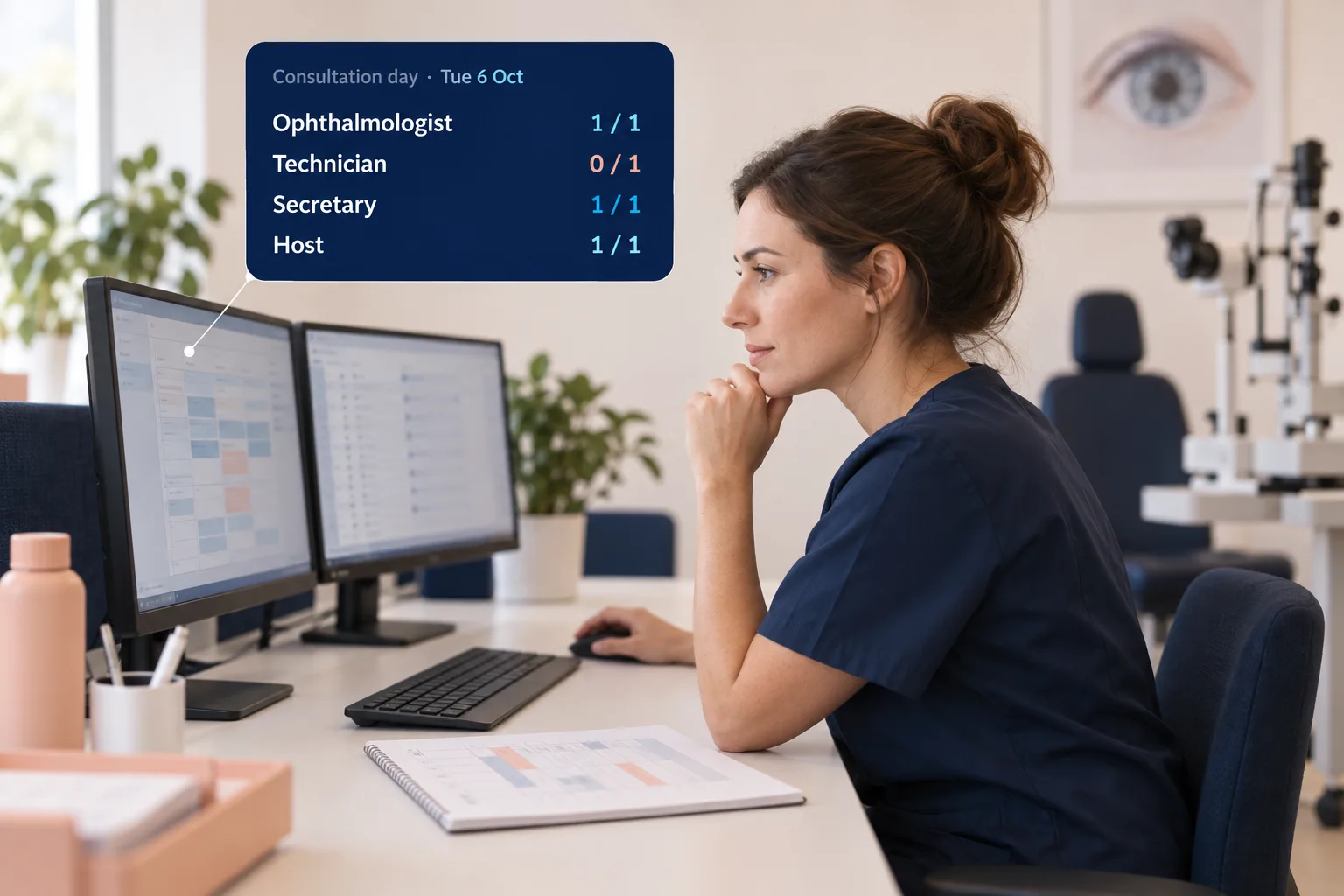
You set up a working day as a template: which roles and rooms you need that day. Staff pass on their availability and aēyes sets it against the staffing required. The planner sees shortages and spare capacity straight away.
The planner sets the appointment types, processes the availability and publishes the roster. The front desk then sees which slots can be booked.
Shortages show up before the week starts.
Cancellations
A cancellation need not become an empty slot
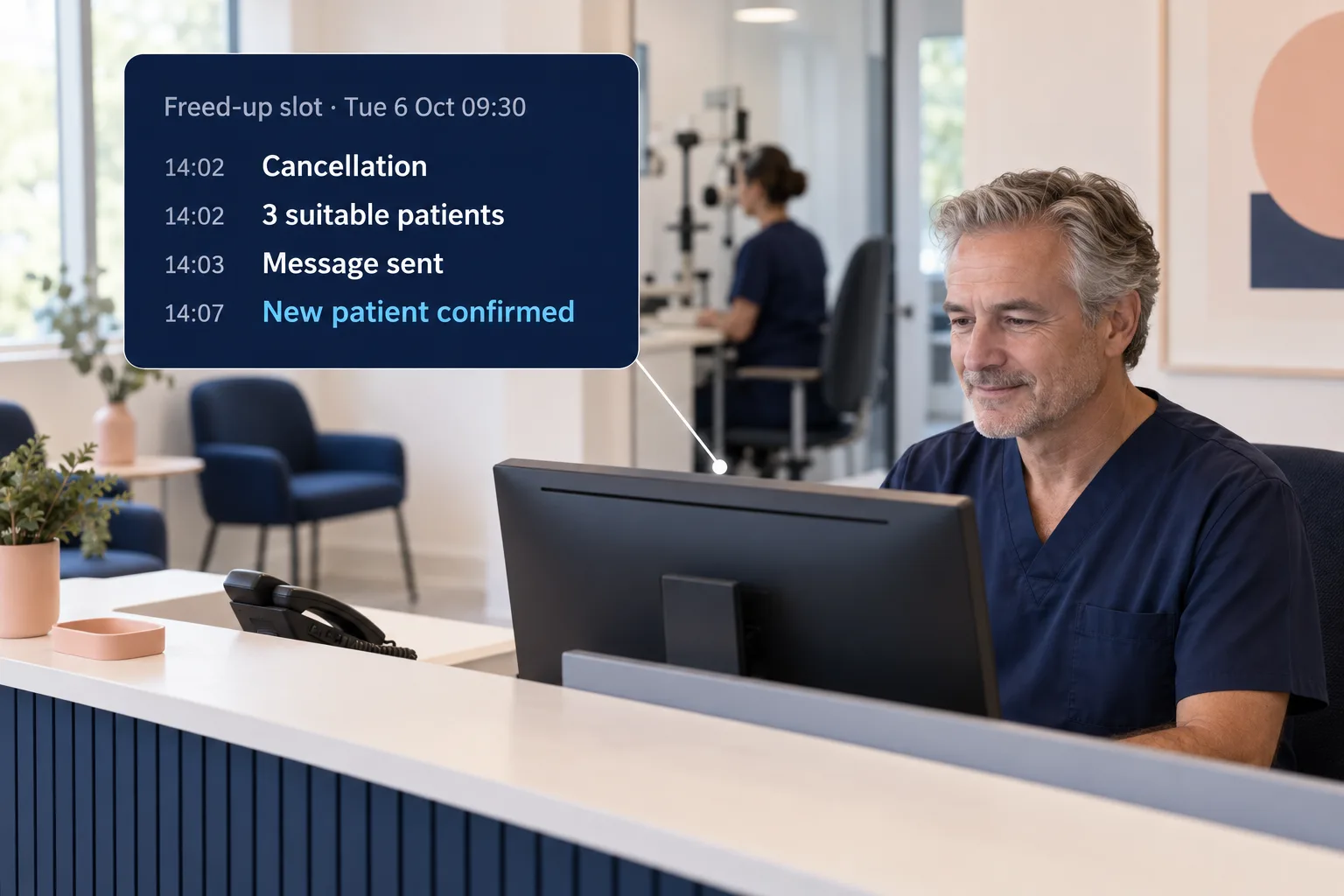
When someone cancels, aēyes can offer the freed-up slot to patients who would like to come in sooner. It takes the appointment type and the clinician into account.
As soon as a patient accepts the slot, the other invitations lapse. The front desk sees the new appointment in the diary.
The front desk does not have to ring round.
You have the conversation. aēyes searches alongside you.
On the phone
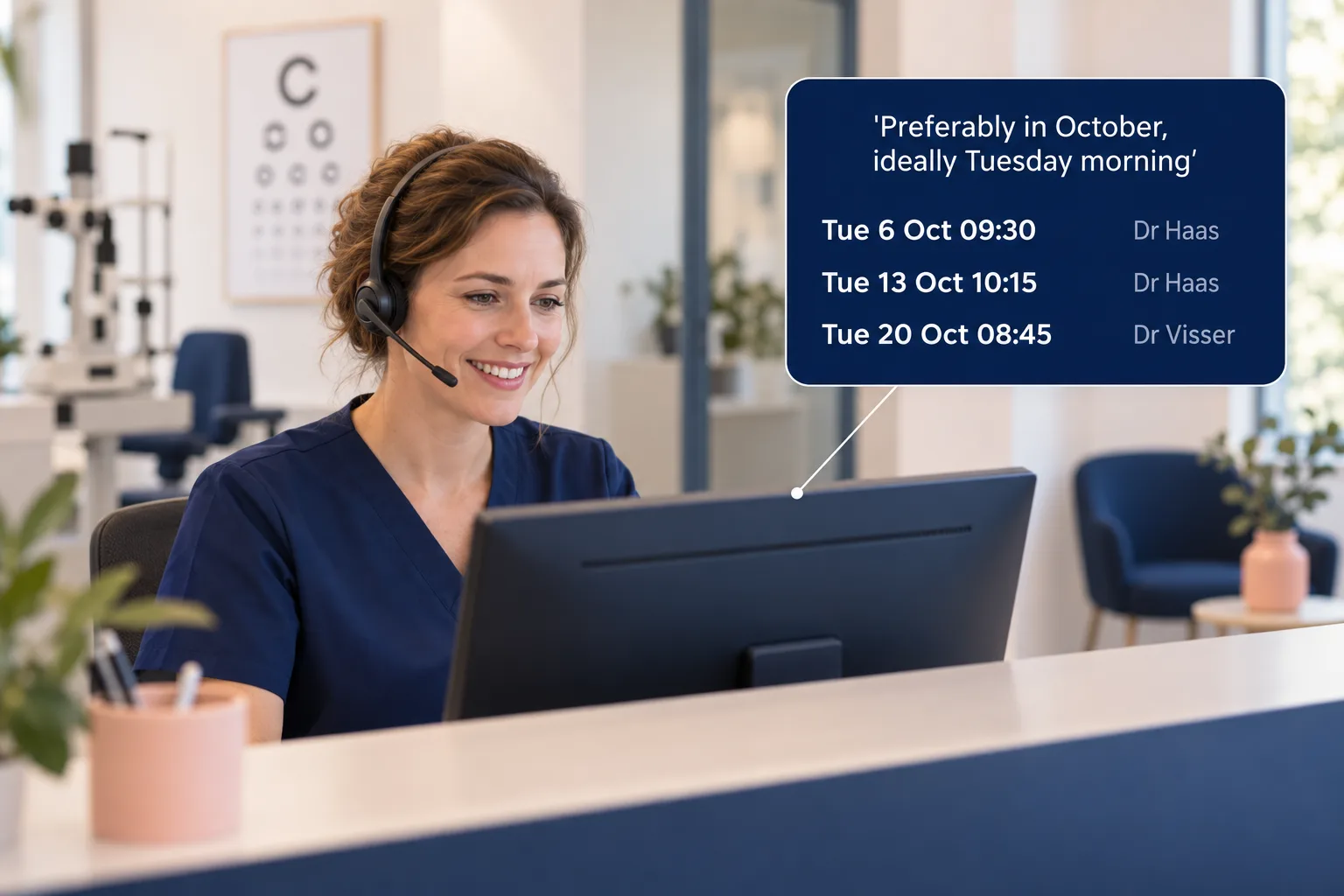
Suitable slots during the call
Enter which appointment type is needed and when the patient can come in. aēyes shows suitable slots with the right clinician. That lets the receptionist book an appointment during the call.
On arrival the front desk checks the patient in. The ophthalmic technician or ophthalmologist sees the arrival in the diary and can start the consultation. If an appointment has to be moved, the history of that appointment is kept.
Walk through your morning programme with us
Thirty minutes, with your own rosters and appointment types as the example.